
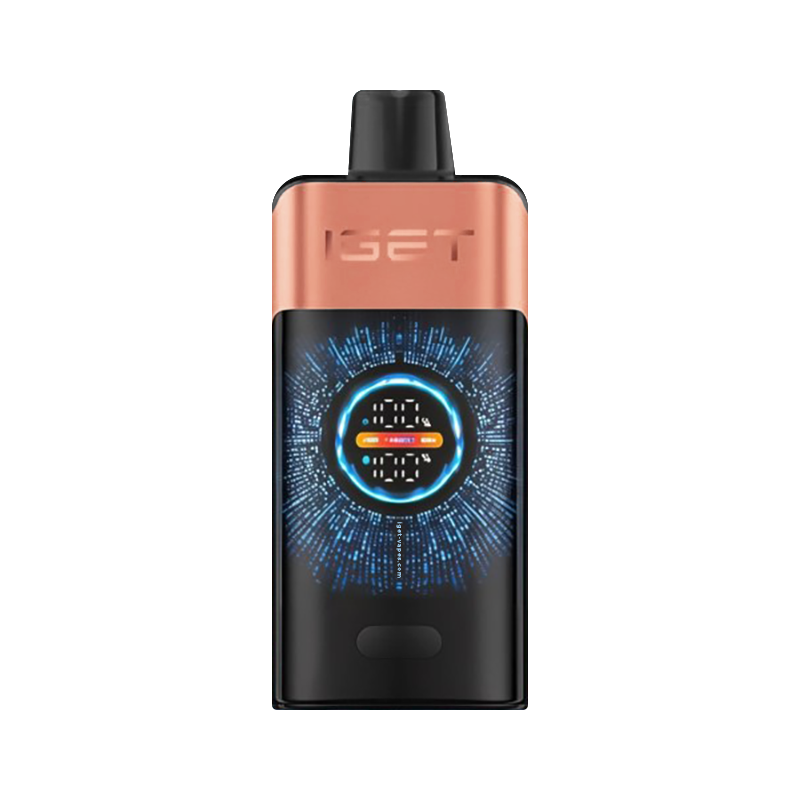
Most modern IGET and Alibarbar disposable vapes feature USB-C rechargeable batteries. Here's everything you need to know about charging your vape for optimal performance.
Which Models Are Rechargeable?
All current IGET and Alibarbar models are USB-C rechargeable: JNR Cruiser (3500mAh), IGET One (2700mAh), IGET Bar Pro (2000mAh), IGET S3 Kit (950mAh), Alibarbar Ice Adjust (650mAh), and Alibarbar Ingot (600mAh).
How to Charge
- Locate the USB-C port on the bottom of your device
- Connect any standard USB-C cable
- Plug into a USB power source (phone charger, laptop, power bank)
- The LED indicator will illuminate during charging
- When fully charged, the LED will turn off or change colour
Charging Tips
- Don't wait until the battery is completely dead — charge when you notice weakening vapour
- Use a standard 5V/1A or 5V/2A charger (most phone chargers work perfectly)
- Avoid high-wattage fast chargers designed for laptops
- A full charge typically takes 30-90 minutes depending on battery size
- Don't charge overnight or leave unattended for extended periods